Your phone’s files. On any computer.
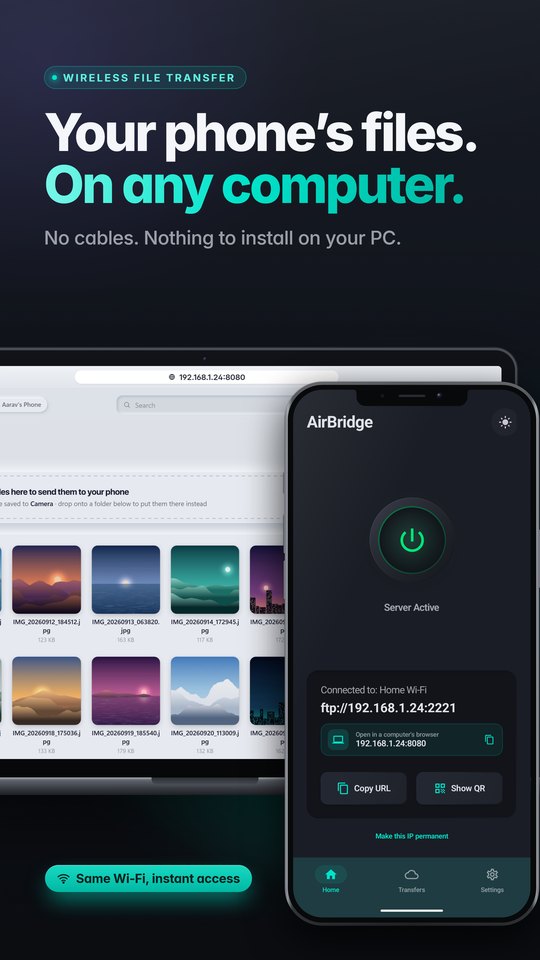
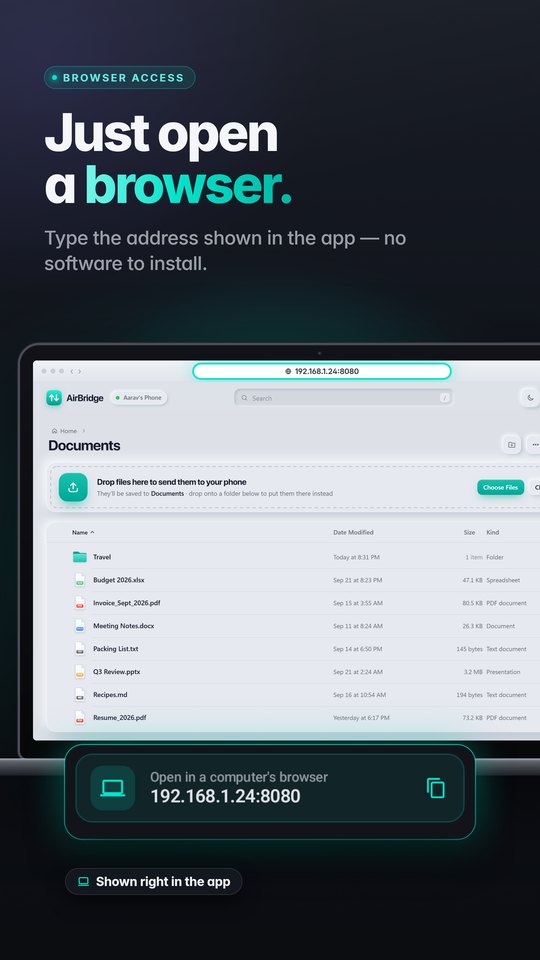
AirBridge turns your Android phone into a WiFi file server. Tap once, open the address it shows in any browser, and browse, preview, download or drag and drop files — no USB cable, nothing to install on your PC.
 Get it onGoogle Play
Everything you need, nothing you don’t.
A fast, private way to move files between your phone and your computer.
Any browser
Chrome, Edge, Safari or Firefox on Windows, Mac, Linux or Chromebook. Nothing to install.
Drag & drop
Send files and whole folders to your phone with live progress and speed.
Preview everything
Photos, videos, music and PDFs open right in the browser. Download files or whole folders as ZIP.
Works with FTP apps
Connect from File Explorer, Finder, FileZilla or WinSCP. Encrypted FTPS with Pro.
Private by design
Files travel directly over your local network. Add a password or switch on read-only mode.
One tap
Start the server with a single tap. Your address, a QR code and live transfers are right there.
How it works
Your phone and computer just need to be on the same WiFi network.